Canon &
OptimiDoc Cloud

The OptimiDoc Cloud platform offers smooth integration with Canon multifunction printers, enabling limitless printing capabilities, enhanced security measures, and streamlined scanning processes, all accessible through the intuitive OptimiDoc Cloud interface.

Internet connection is all that‘s required.

Three good reasons to use OptimiDoc with Canon devices

Secured printing

OptimiDoc Cloud brings modern printing capabilities without the limitations of location, connectivity, or the devices used within the business.

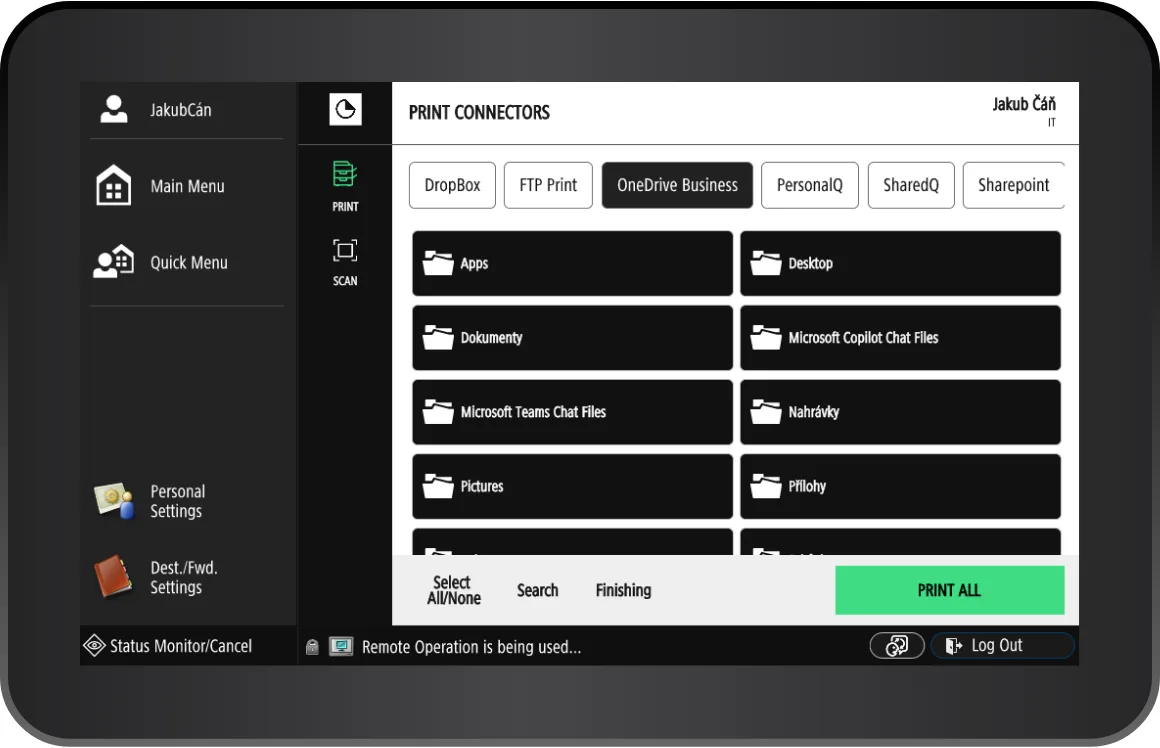
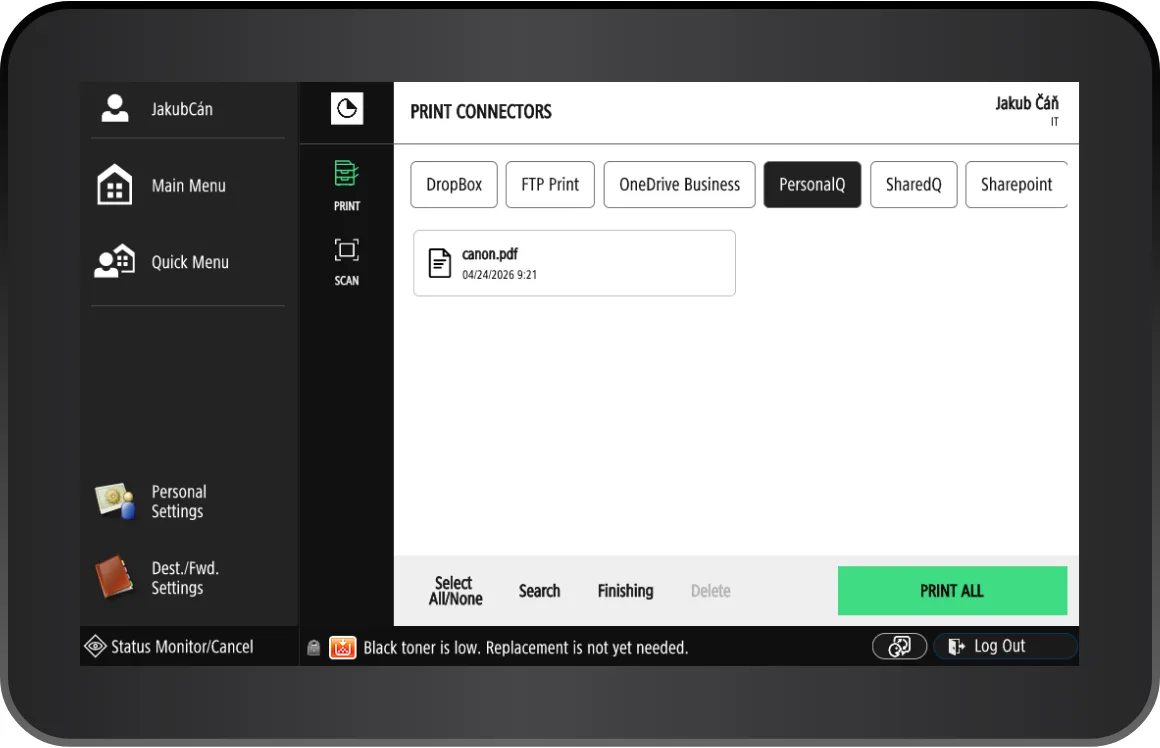
Users print their documents, which are securely stored in a cloud data centre until they are released from a specific printer. In addition to pull printing, OptimiDoc Cloud allows users to print directly from OneDrive or SharePoint via the device panel. With job monitoring, businesses gain a detailed overview of print device usage.
Find out more

Scan and share documents

Turn your paper documents into fully searchable digital files in seconds and make them accessible across your organization, wherever your employees are.

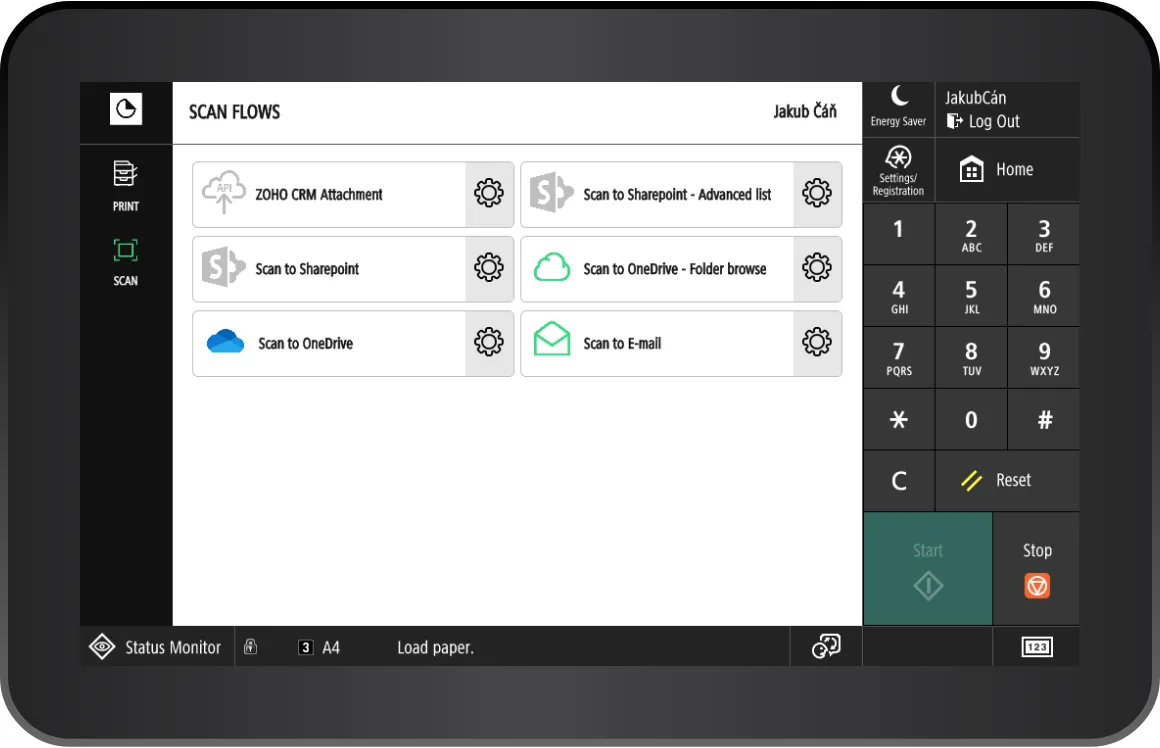
OptimiDoc Cloud manages the processing and delivery of documents to the final document repository fully automatically, without any manual steps. Your employees can convert documents into editable formats, digitally sign documents directly on their mobile devices, or scan paper documents as compressed, searchable PDFs into company archives.
Find out more

All you need is internet

OptimiDoc Cloud is an embedded application for Canon devices and operates completely independently of the local infrastructure.

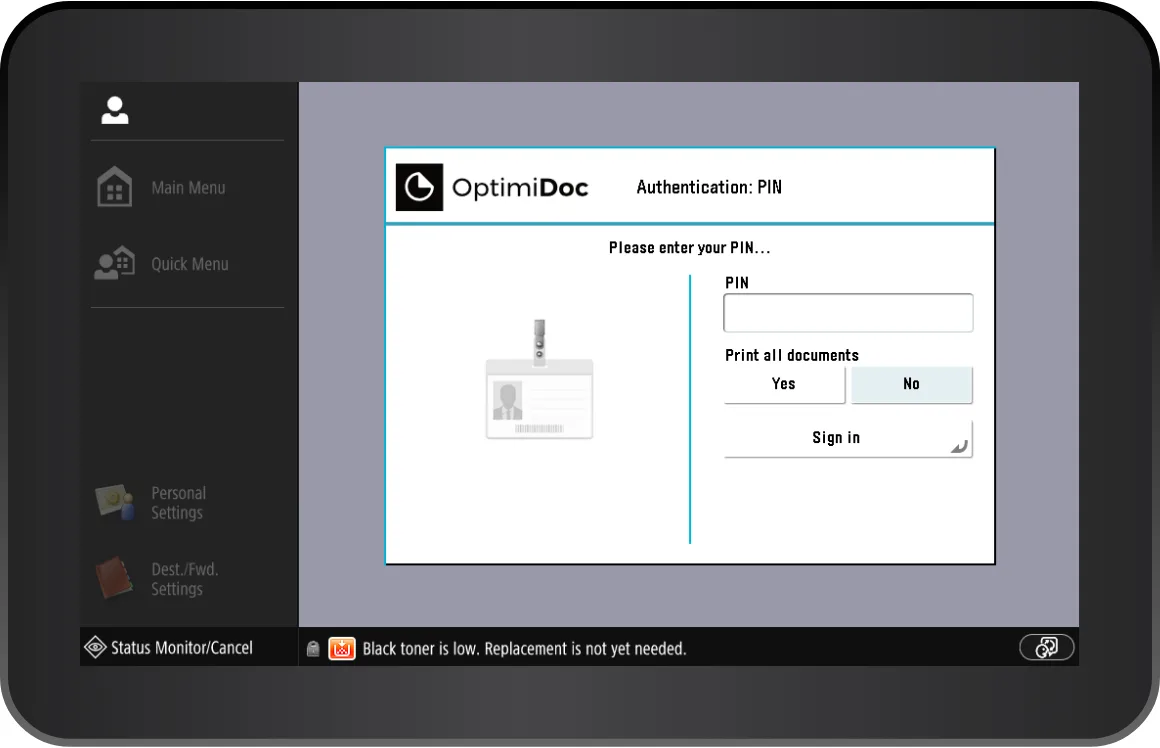
This means no local servers, no printer sharing, and no complicated configuration. With a simple internet connection, you can benefit from features such as card authentication, accounting, pull printing or advanced scanning.
Discover more advantages of OptimiDoc

Get DEMO

Specification

All available functions of the OptimiDoc application on a Canon device.

Device authentication

Device authentication by Card
Device authentication by PIN
Print&Scan application authentication by SSO
Card assignment

Accounting and Reporting

Print/scan/copy accounting (Single-sign-on has to be same as user login on workstation)
Web reports
Data export
Price lists

Direct and Pull printing

Cloud pull printing
Supported storages for pull print
Microsoft OneDrive
Microsoft SharePoint
OptimiDoc Datacentre
DropBox
Box
Google Drive
User-specific/shared pull print
Finishing options on the device (requires Microsoft Print to PDF driver)
Force BW/Duplex (requires Microsoft Print to PDF driver)
Printing Defaults (requires Microsoft Print to PDF driver)
Job management
Direct print from the workstation (Windows/macOS)
Central printers and driver management

Print connectors

Printing from cloud storages
Microsoft OneDrive
Microsoft SharePoint
FTP/SFTP/FTPS
DropBox
Box
Google Drive
Finishing options on the device
Force BW/Duplex
Printing defaults

Document capture

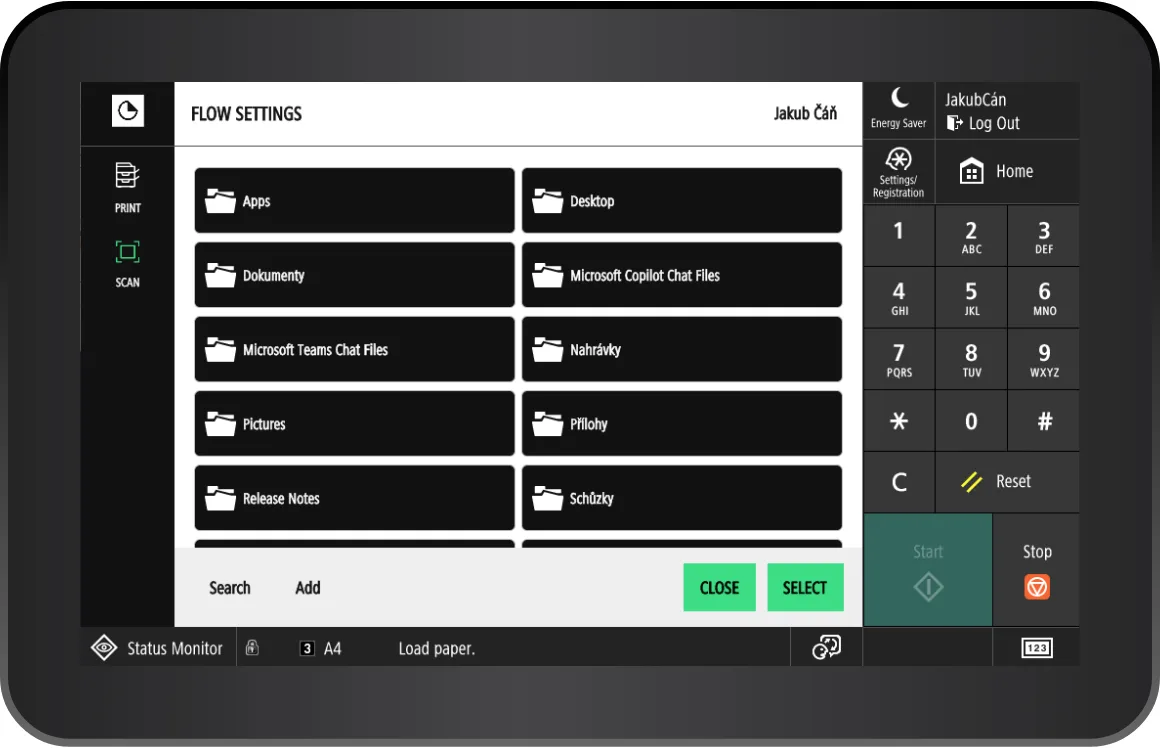
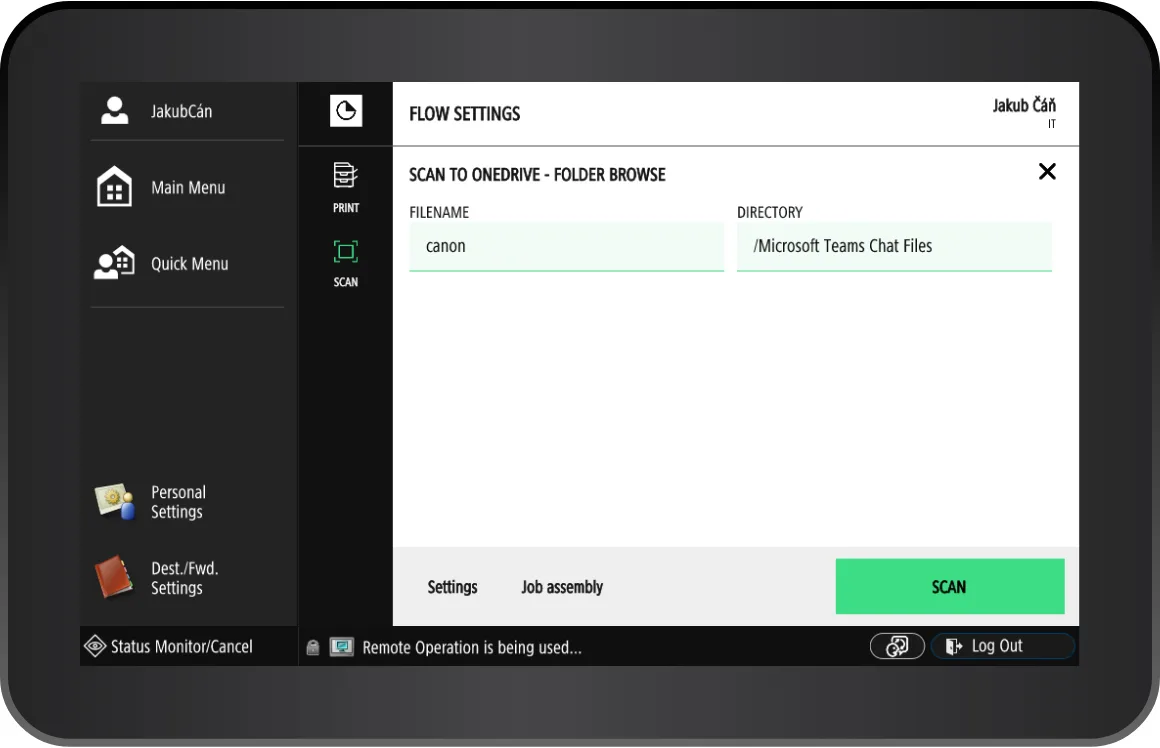
Embedded application for document capture
Supported manual parameters
Text
Date
Time
Number
List
PDF Password
Boolean
SharePoint Site
SharePoint Document library
Directory
User list
Advanced list
Job assembly
Scan settings definition

Destinations and storages

Email
Microsoft OneDrive
Microsoft SharePoint
Google Drive
Box
Dropbox
FTP/FTPS/SFTP
API
ONS
Local Delivery (Using OptimiDoc Cloud Node)
OptimiDoc Datacenter

Access rights

Scan workflows access rights
Print connectors access rights
Color print/copy restriction
Group policies

Embedded Application

Rebranding options
Localization

Practical demonstrations of the OptimiDoc application

GDPR
Do you want to know more?

Contact us

Together we will find the best solution for you.
OPTIMIDOC s.r.o.
Tř. Tomáše Bati 385

763 02 Zlín

Czech Republic